
Welcome to the Sellsify.net FAQ page. Here you'll find answers to common questions about our free online web tools and services.
General Questions
1. What is Sellsify?
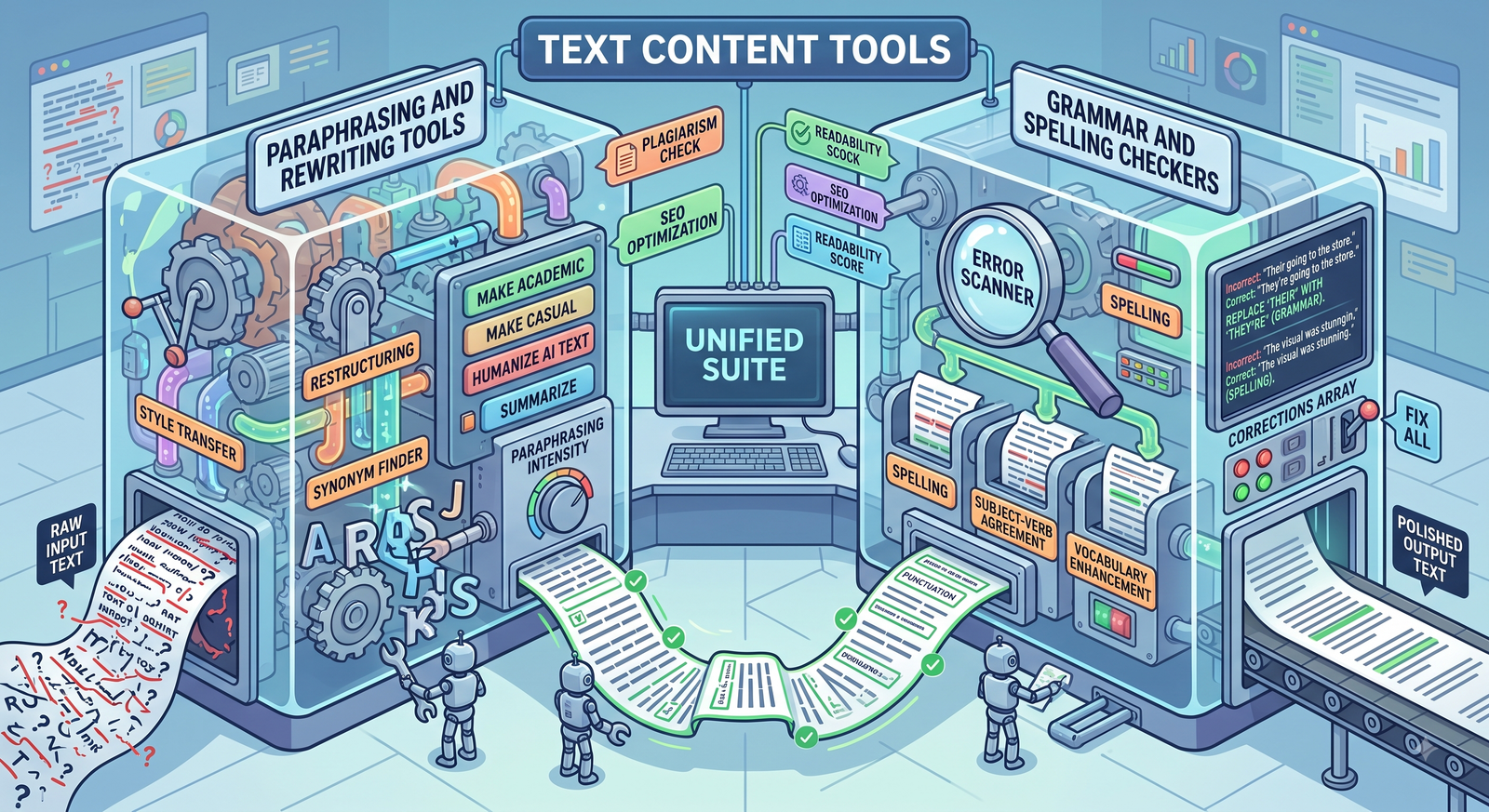
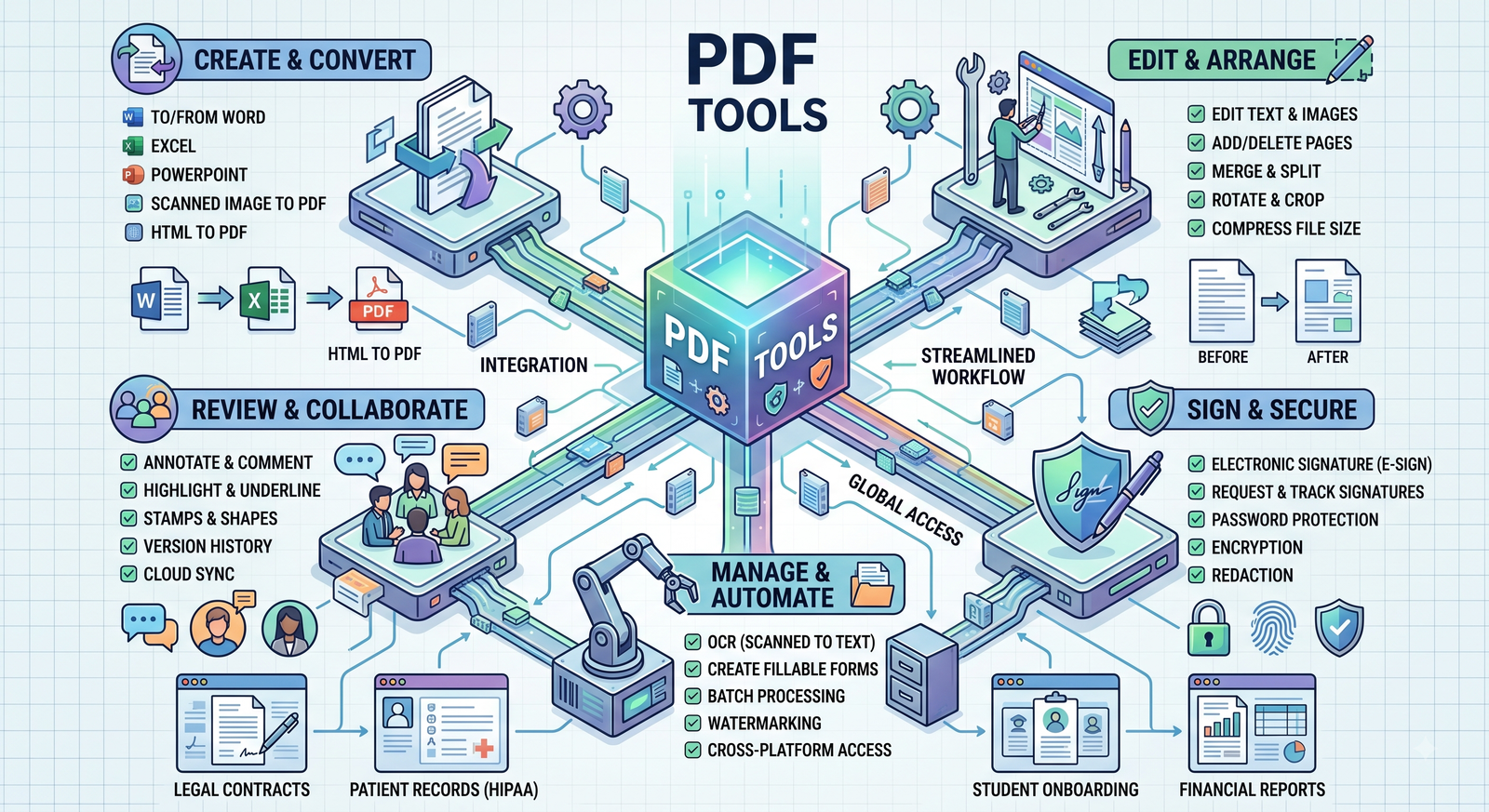
Sellsify is a free online platform that offers a wide range of web-based tools to help users complete everyday digital tasks quickly and easily. Our tools cover categories such as image editing, PDF utilities, SEO, developer tools, calculators, converters, text tools, and more.
2. Do I need to create an account?
No. Most of our tools can be used without creating an account or signing in.
3. Is Sellsify free?
Yes. Most tools on Sellsify are available free of charge. We may introduce premium features in the future, but our goal is to keep the majority of tools freely accessible.
4. Can I use Sellsify on mobile devices?
Yes. Sellsify is fully responsive and works on smartphones, tablets, laptops, and desktop computers.
5. Which browsers are supported?
Sellsify works with most modern browsers, including:
Google Chrome
Mozilla Firefox
Microsoft Edge
Apple Safari
Opera
Brave
For the best experience, use the latest version of your browser.
File & Privacy Questions
6. Are my uploaded files safe?
We use secure connections (HTTPS) to protect data during transmission. Uploaded files are processed only to perform the requested task.
7. Do you store uploaded files?
Uploaded files are stored only temporarily while processing is in progress and are automatically deleted after processing or within a reasonable period.
8. Can I recover deleted files?
No. Once uploaded files are automatically deleted, they cannot be recovered. Please keep a backup of your original files.
9. Can I upload confidential documents?
We recommend that you do not upload highly sensitive or confidential information unless you are comfortable with online processing. Always keep backup copies of important files.
Tool Usage
10. Are there any limits on file uploads?
Some tools may have limits on file size, the number of files, or processing time to ensure reliable performance for all users.
11. Why did my file fail to process?
Common reasons include:
Unsupported file format
Corrupted file
File size exceeds the allowed limit
Temporary server issue
Slow internet connection
Please try again or contact us if the problem continues.
12. Are the tool results always accurate?
We strive to provide accurate results, but no automated tool is perfect. Always verify important calculations, conversions, or processed files before relying on them.
13. Do I need to install software?
No. All tools work directly in your web browser. No software installation is required.
14. Can I use Sellsify for commercial work?
Yes. You may use our tools for personal, educational, and commercial purposes, provided your use complies with our Terms & Conditions and applicable laws.
Security & Privacy
15. Is my connection secure?
Yes. Sellsify uses HTTPS encryption to help protect data transmitted between your browser and our servers.
16. Do you sell my personal information?
No. We do not sell your personal information. Please refer to our Privacy Policy for details about how your information is collected and used.
17. Do you use cookies?
Yes. We use cookies to improve website functionality, analyze traffic, remember preferences, and display relevant advertisements. More information is available in our Cookie Policy.
Advertising
18. Why do I see advertisements?
Advertisements help support the operation, maintenance, and development of Sellsify, allowing us to continue offering free online tools.
19. Are advertisements selected by Sellsify?
Some advertisements are served automatically by trusted advertising partners, such as Google AdSense. We do not manually choose every advertisement shown on the website.
Support
20. How can I report a bug?
If you find a problem with any tool, please contact us and include:
Tool name
Browser
Device
Description of the issue
Screenshot (if possible)
This helps us investigate and resolve the issue more quickly.
21. Can I suggest a new tool?
Absolutely! We welcome suggestions for new tools and features. Send us your ideas, and we'll consider them for future updates.
We regularly update Sellsify by adding new tools, improving existing features, fixing bugs, and enhancing performance. Check back often to see what's new.
24. Where can I find your policies?
You can review our legal pages at any time, including:
Privacy Policy
Terms & Conditions
Cookie Policy
Disclaimer
DMCA & Copyright Policy
25. I couldn't find the answer to my question. What should I do?
If your question isn't answered here, please contact our support team. We'll do our best to assist you as quickly as possible.
We're always happy to assist. If you have questions, feedback, or suggestions, please contact us at support@sellsify.net. We value your input and continuously work to improve Sellsify for all users.