 English
 العربية
 Deutsch
 Español
 Français
 Italiano
 Português
 Русский
 Türkçe
 Tiếng Việt

How To Edit Images With Images Editing Tools
Images Editing Tools and works
Images Editing Tools: A Simple Guide to Better Photos and Visual Content
Images have become an important part of life on the internet now a days. Whether we are running a website, creates post on social media, selling products online, creating advertisements, or simply improving personal photographs, images quality can make a big difference. However, taking a good photograph is often only the step one. Small changes like cropping, resizing, adjusting brightness, removing unwanted objects, or adjust colors can completely change how an image looks.
This is why image editing tools become useful. Today, we don’t always need expensive software or advanced design skills to edit a photo. There are many website and desktop tools that can handle simple work as well as professional editing. Modern editors also include AI features that can remove backgrounds, improve image quality, erase objects, and perform other complicated work with only a few steps.
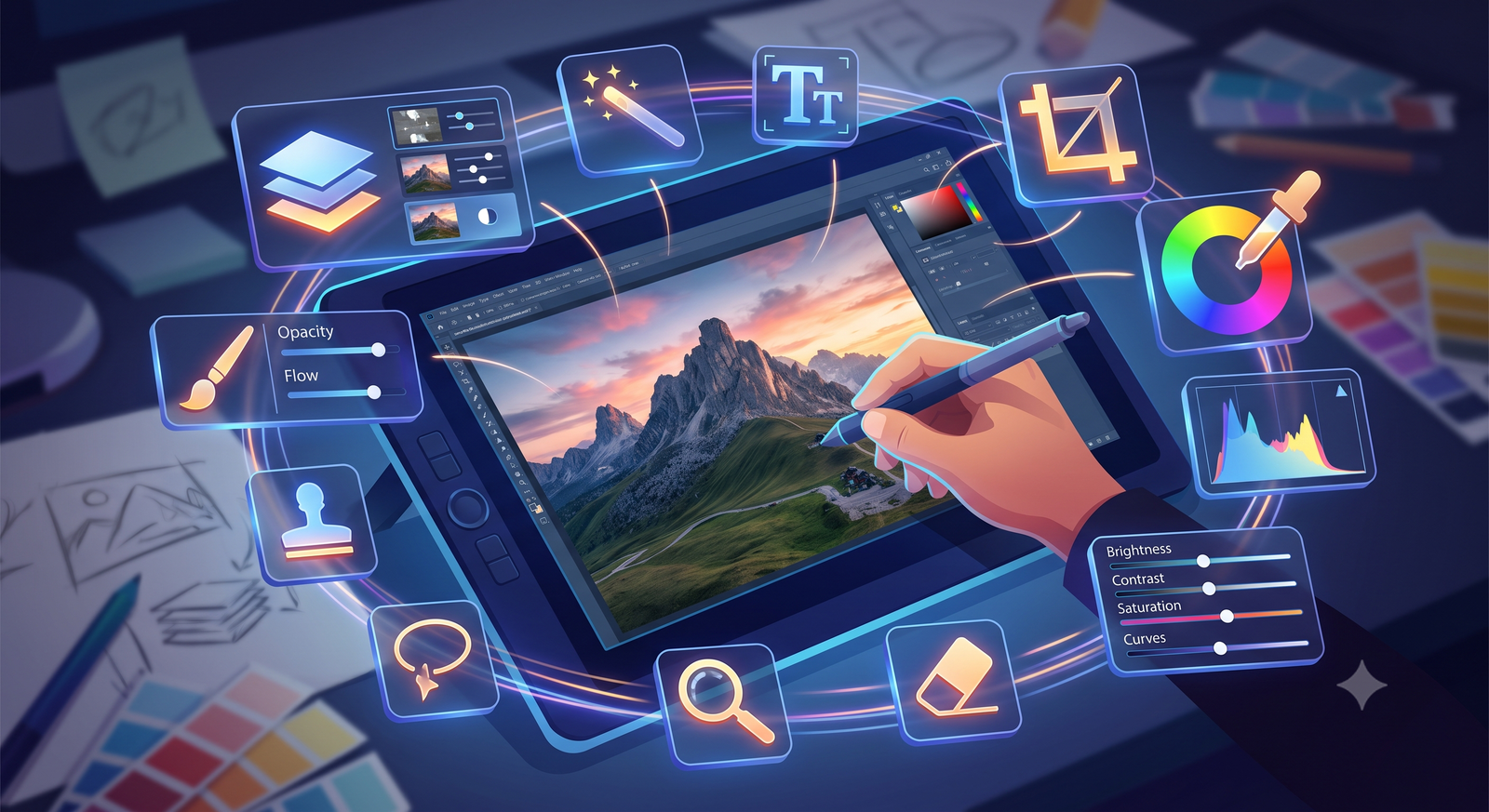
Image Editing Tools: Image editing tools are software applications or website designed tools to modify and improve the images. This is used for simple changes, like cropping and resizing, or more advanced work, like retouching, color correction, masking, and creating designs from multiple images, removing a background, compressing an image, or increasing its resolution.
The good thing is that we can now choose a tool according to our actual needs instead of learning complicated software for every small editing work.
Common Image Editing Features: One of the most useful features is cropping. We can be removing unwanted areas from images and focus on the main subject. Example, if we take a photo with too much empty space around a subject, cropping can make the image which can be look much better.
Resizing: This is very important tool. Different websites and social media platforms often required different sizes of images. We can change the width and height of a photo without require to create the image again.
Brightness and contrast adjustments: These are useful when a photo looks too dark, dull, or flat. We can increase the brightness which help to reveal the details in a dark photo, and contrast can build the difference of light and dark areas.
Color controls are also normally available. We can adjust the saturation, temperature, highlights, shadows, and other settings to create upon moods. These adjustments are especially useful for photographers and content creators who are regular appear.
Background Removal: Removing a background require careful selections and a huge amount of time. Modern AI tools process is much easy. A background remover can identify the main subject and separate it from the surrounding area.
This is useful for online sellers. A product photo can be placed on a clean white background or be combined with a new scene without manually selecting every part of the product. The tools designed for ecommerce is now offer features like background removal, retouching, virtual models, and other product-focused editing options.
Background removal is also useful for the profile pictures, advertisements, thumbnails, presentations, posters, and social media graphics.
AI-Powered Image Editing: Ai is time saving to edit photographs. Instead of manually performing every step, we can sometimes describe what we want and let the software handle the work.
AI features can help us with work like removing unwanted objects, improving blurry photos, replacing backgrounds, enhancing details, and making other corrections. These features are helpful for the beginners.
However, AI does not always do a perfect result. Hair, transparent objects, complicated backgrounds, and small details sometimes can confuse automated tools. We have to check the final image carefully before accepting every automatic change.
Online Image Editors: We can simply open an image editing tools website, upload or select an image, make the changes we need, and download the finished file.
For a simple work like resize of image, compressing, cropping, converting, and background removal, online tools save our time. Some of the services also provide a complete editing tools with layers, masks, filters, and other advanced features.
Desktop Image Editing Software: Desktop apps are still important for us as have a greater control. Professional editors provide the advanced features like layers, masks, RAW processing, detailed color correction, selection tools, and non-destructive editing.
Adobe Photoshop is one of the most memorable professional image editor tools, while the apps like GIMP and Affinity Photo provide alternatives for us as powerful editing. Professional photographers also choose the software which focused on RAW processing, photo organization, and large collections of photos.
Image Editing for Websites: Big size image files can make web pages slower as per server load, especially for visitors who use mobile networks. Compressing images before uploading them can reduce file size with maintaining the visual quality.
Images should also be resized according to their actual display size. Uploading a huge photo when there is a smaller version this wastes storage and can increase loading time.
That’s why, image editing tools are useful not only for making pictures attractive but also for preparing them properly for the web. Compression, resizing, format conversion, and optimization can become part of a regular website publishing routine.
Image Editing for Social Media: Social media is another reason to use image editing tools. Posts, stories, advertisements, profile pictures, thumbnails, and banners often need different sizes of the images.
Instead of creating every design from raw, we can crop an existing photo, add text, adjust colors, place a logo, and export it in the required size. Template-based platforms can be particularly useful for people who are not professional designers.
For creators who publish regularly, attraction is important. Using the same type of fonts, colors, layouts, and image styles can help make a page look more professional.

Ark
CEO / Co-Founder
Popular Tools
Recent Posts